





















































































































































































































































Upper Link Plate installation
Upper Link Plate installation
Congratulations on the purchase of your COMMENCAL SUPREME DH V5. Here we offer some help to help you install in the Upper Link plastic plate you receive.
This plate is made to improve the assembly in between Upper Link and Rod.
It also prevent any damage on the Upper Link in case of overtorque.
1
1
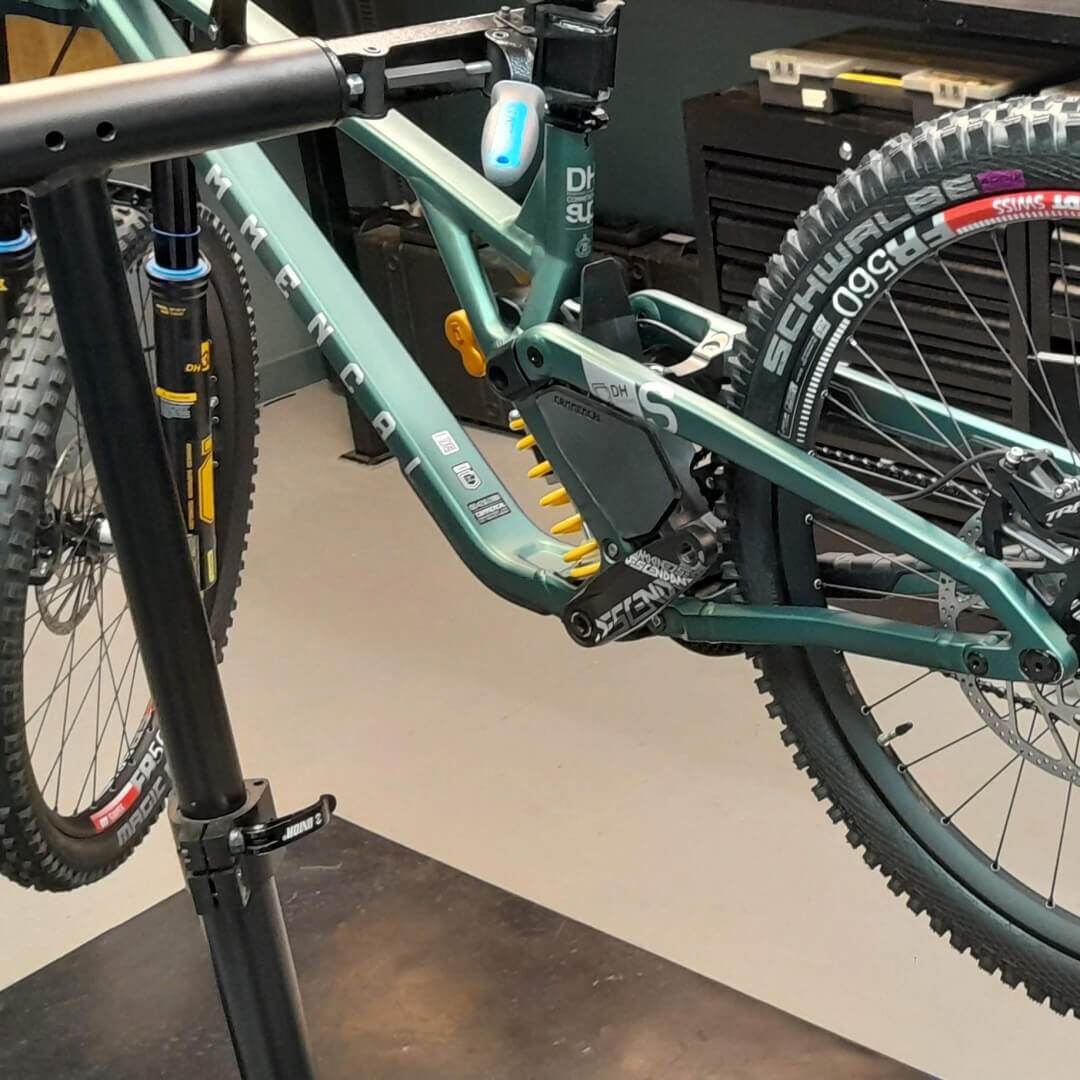
Install your SUPREME DH V5 on a bike stand.
2
2
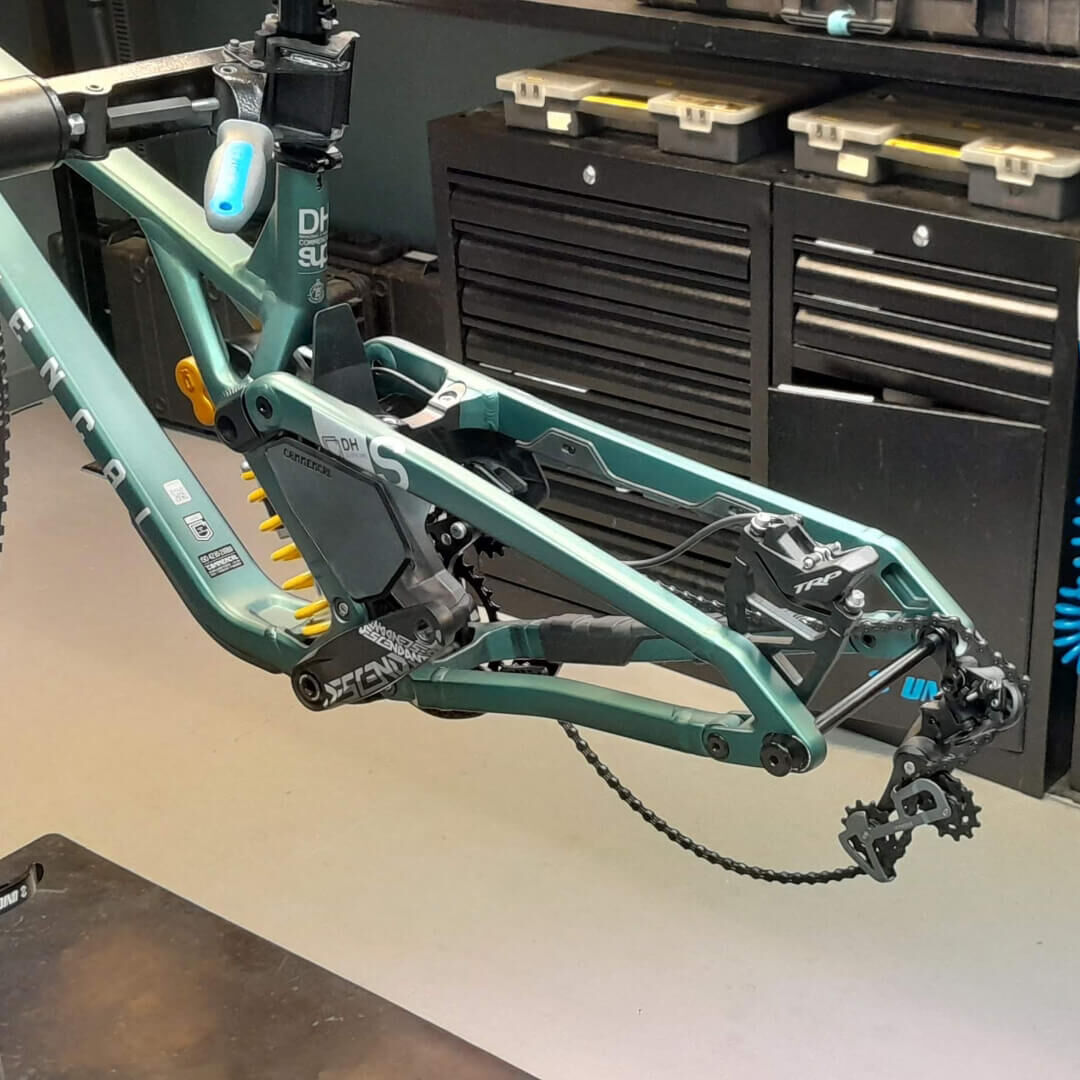
Remove the rear wheel.
3
3
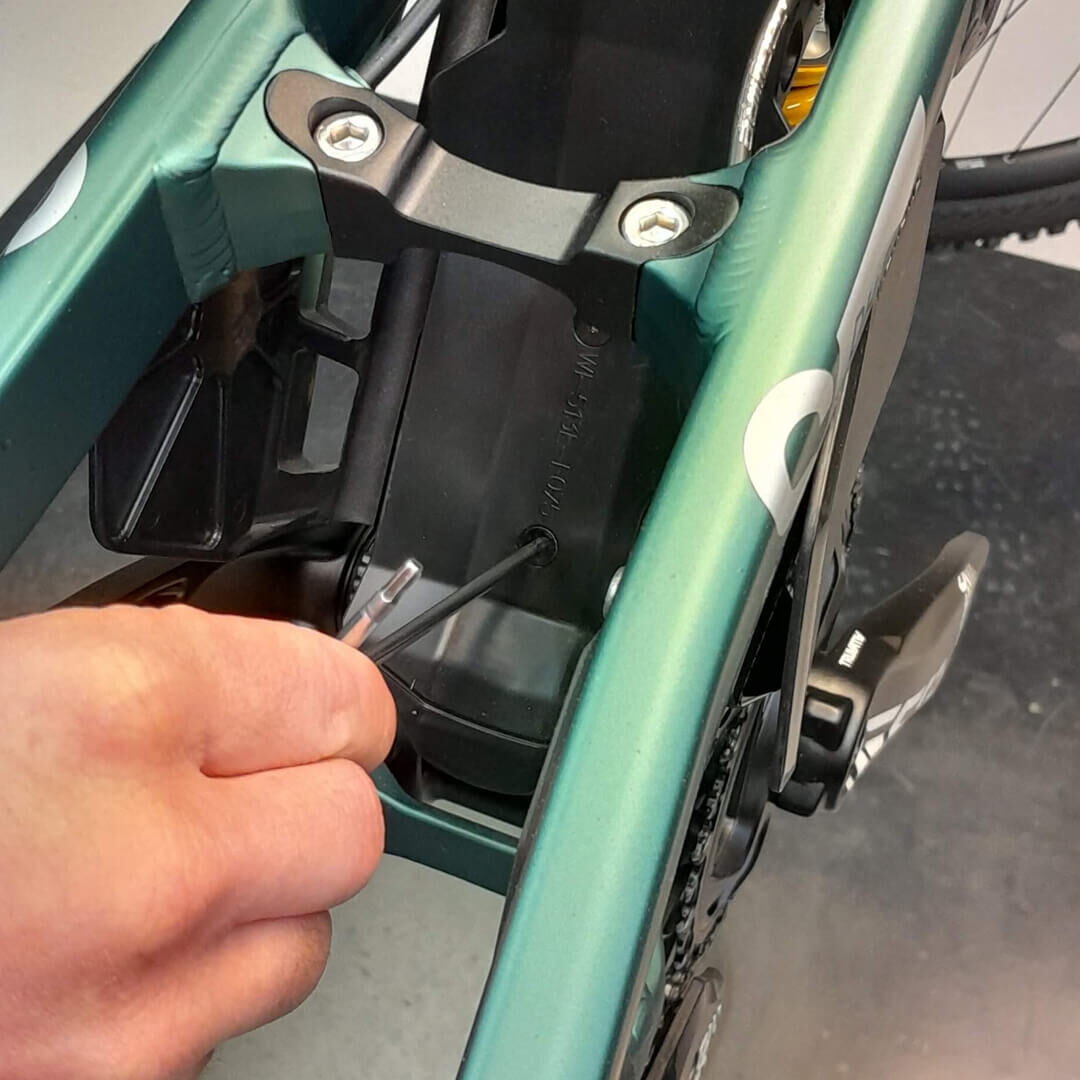
Remove the fender.
4
4
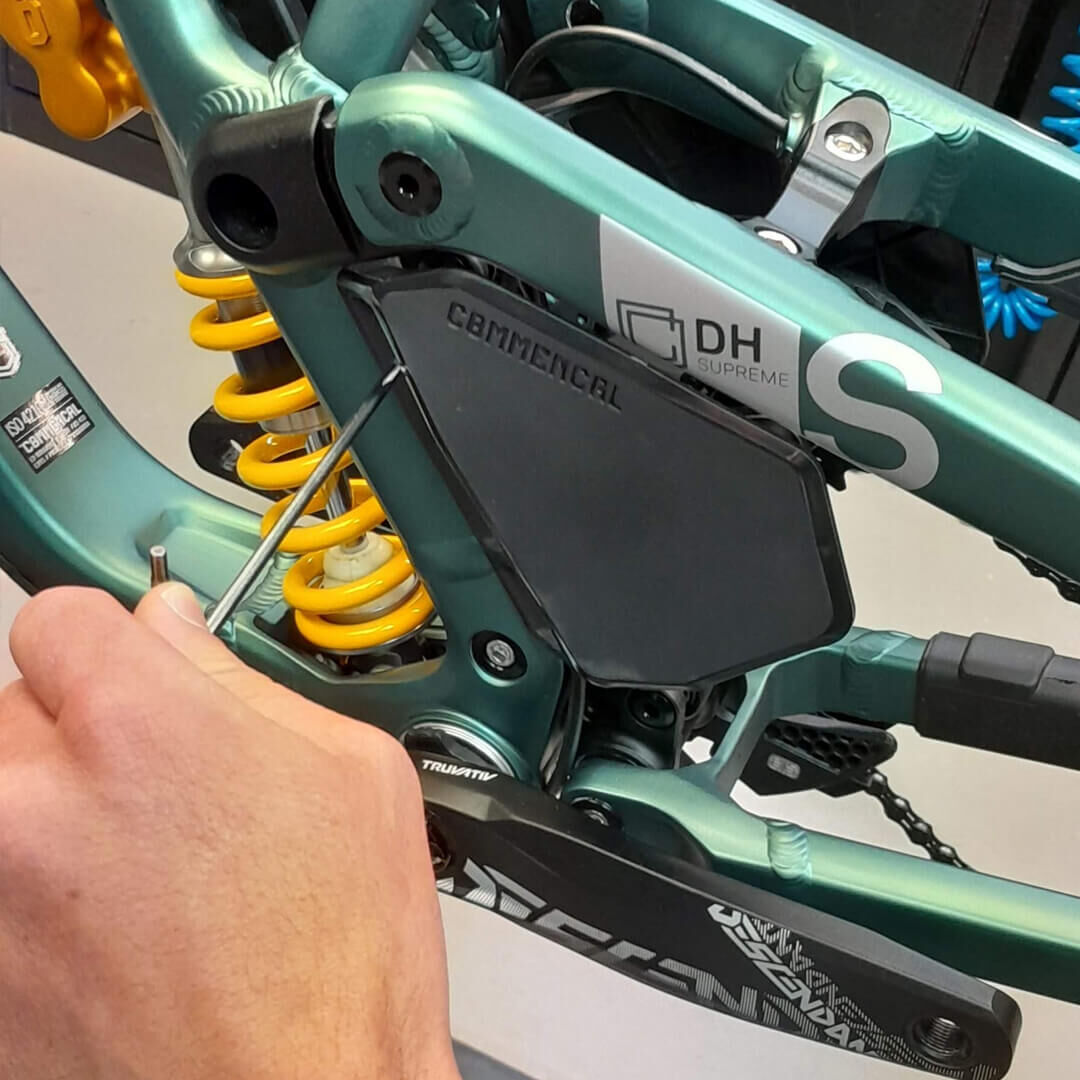
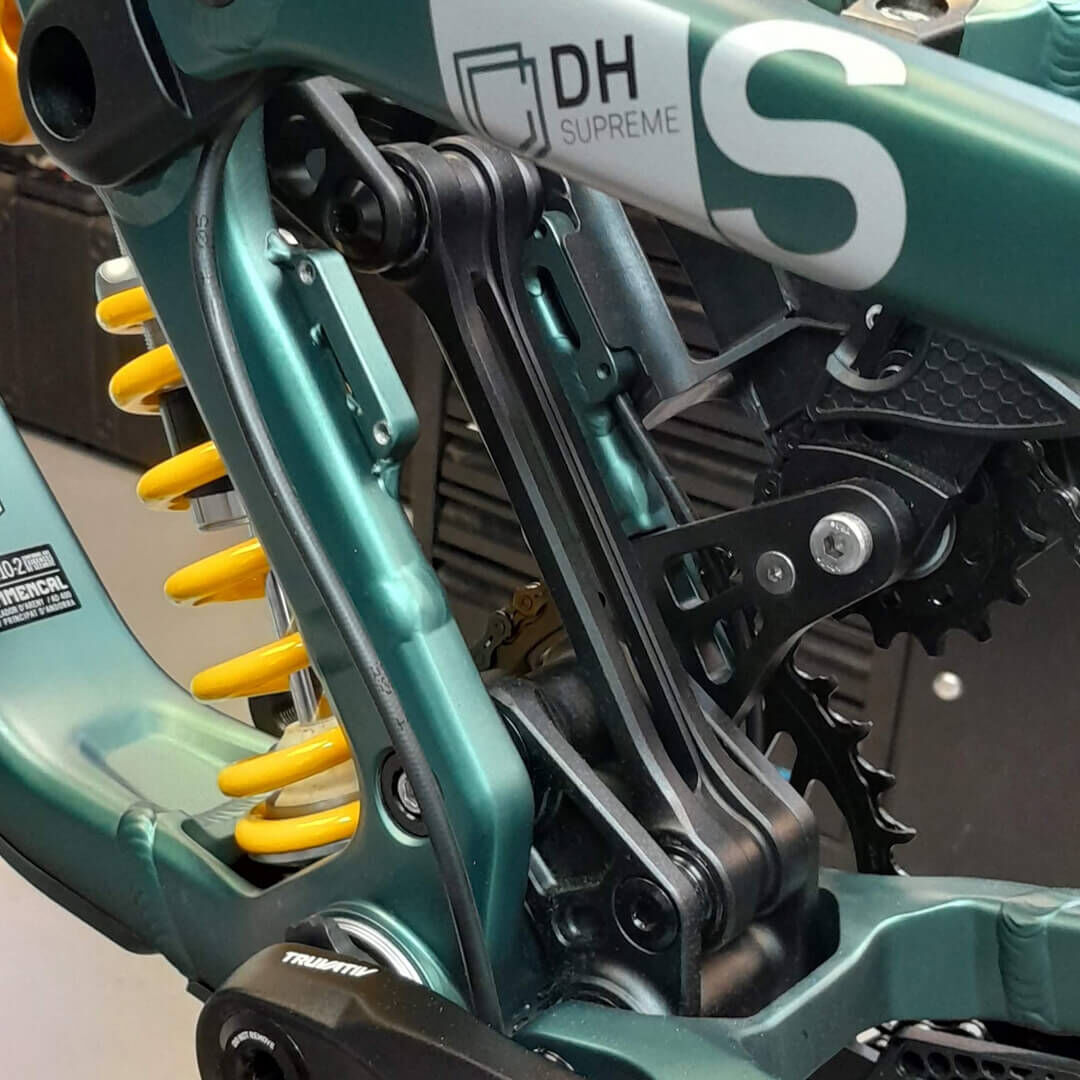
Remove the left number plate.
5
5
Now you have access to the Upper Link.
6
6
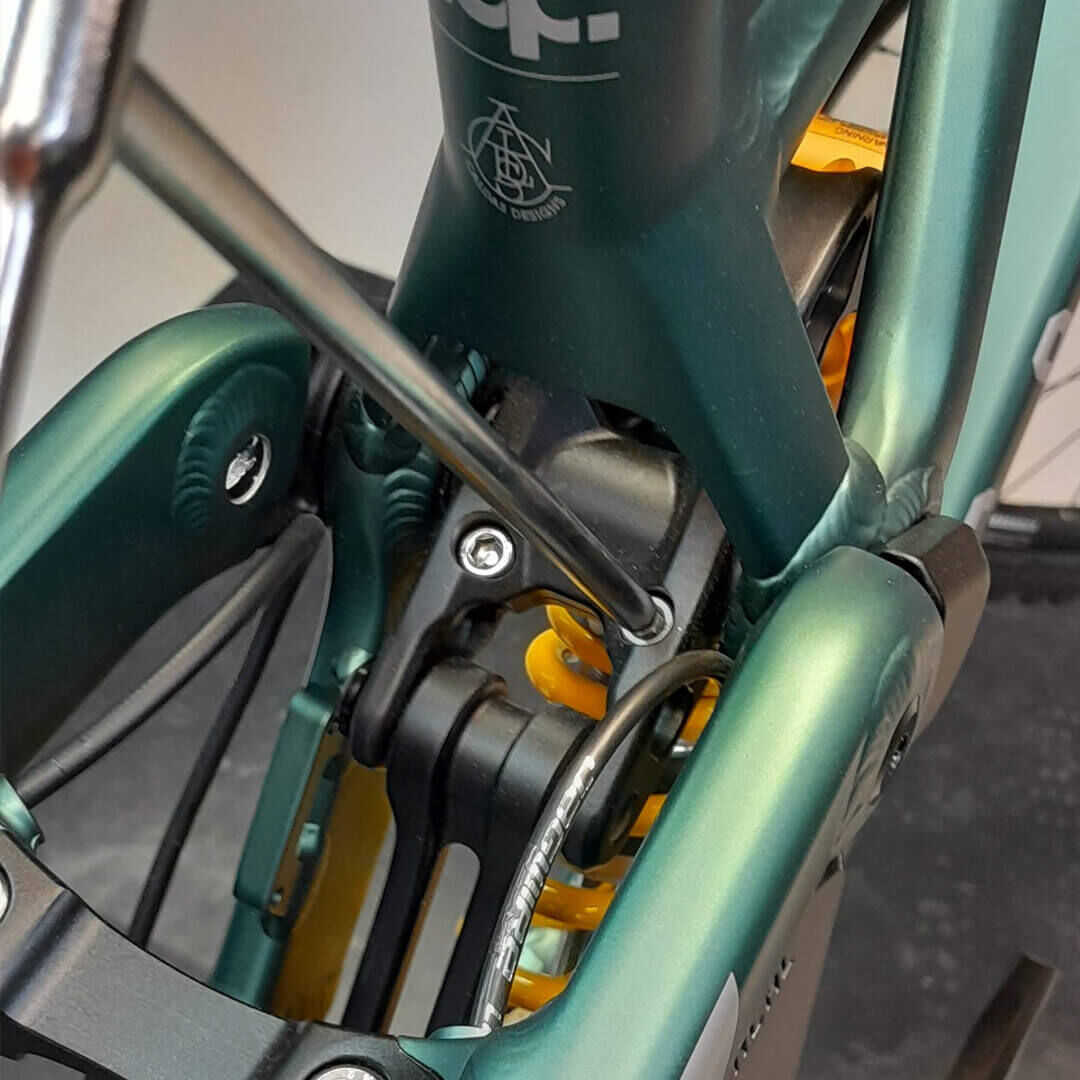
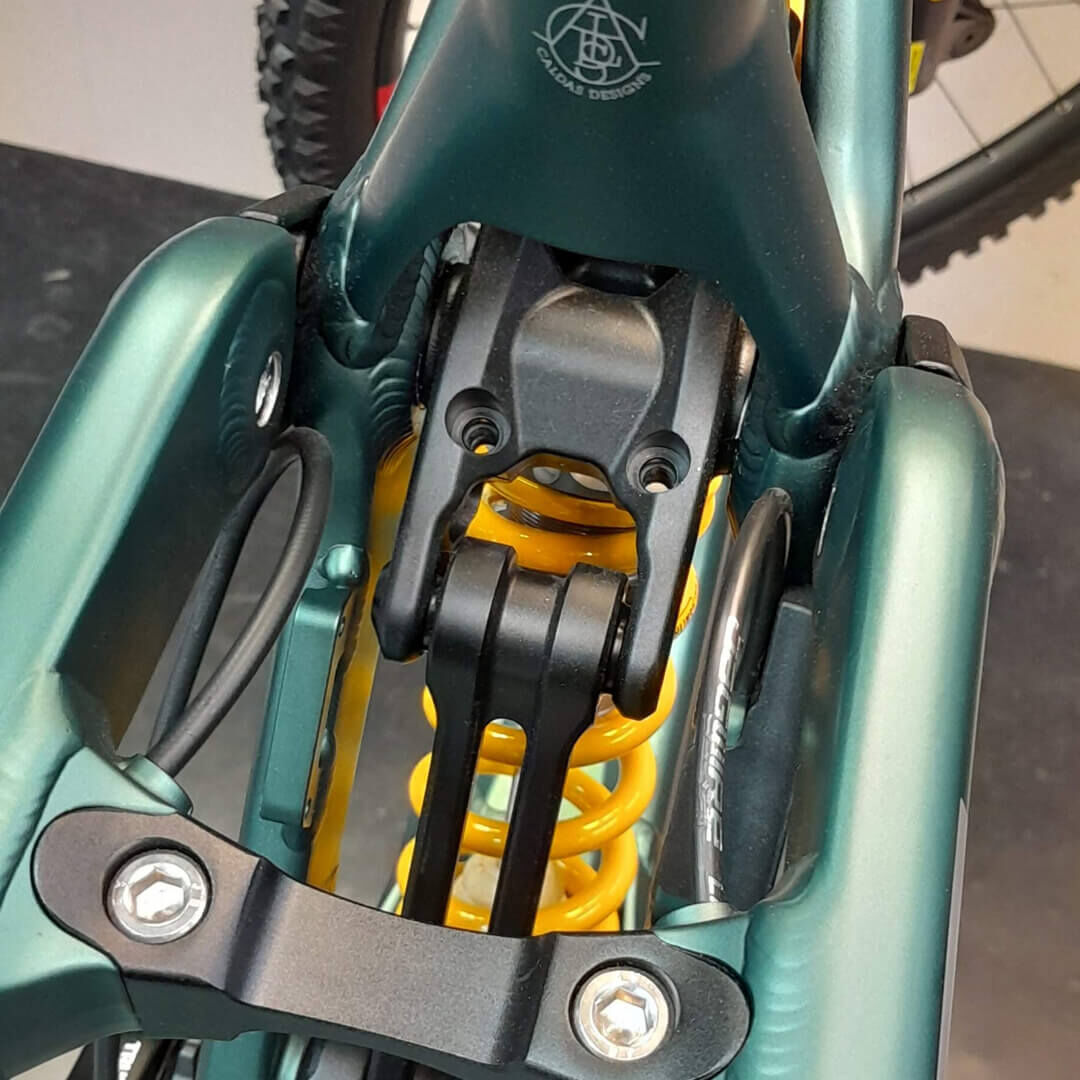
Remove the 2 pinch bolts of the Upper Link.
7
7
Now the Upper Link is ready to receive the plate.
8
8
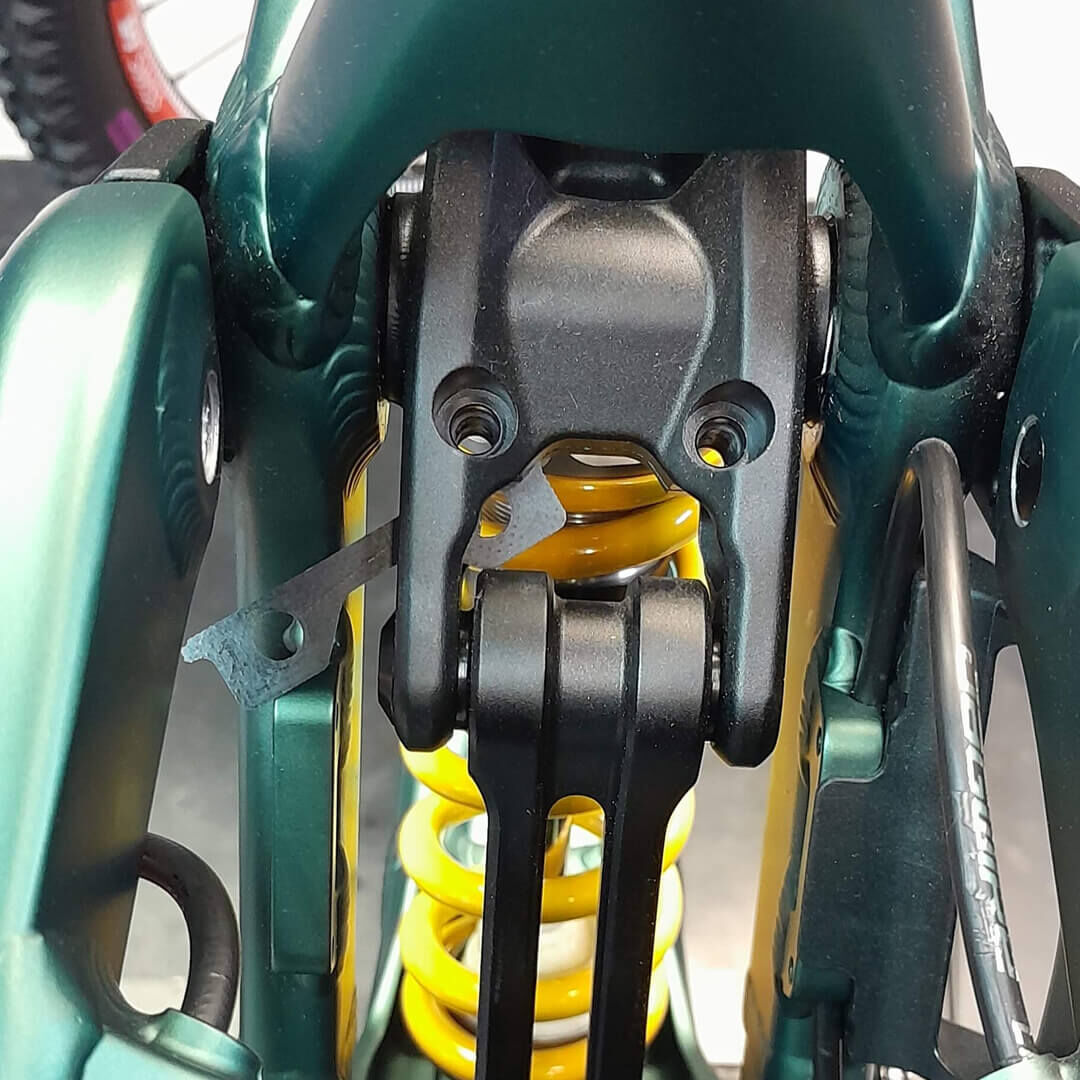
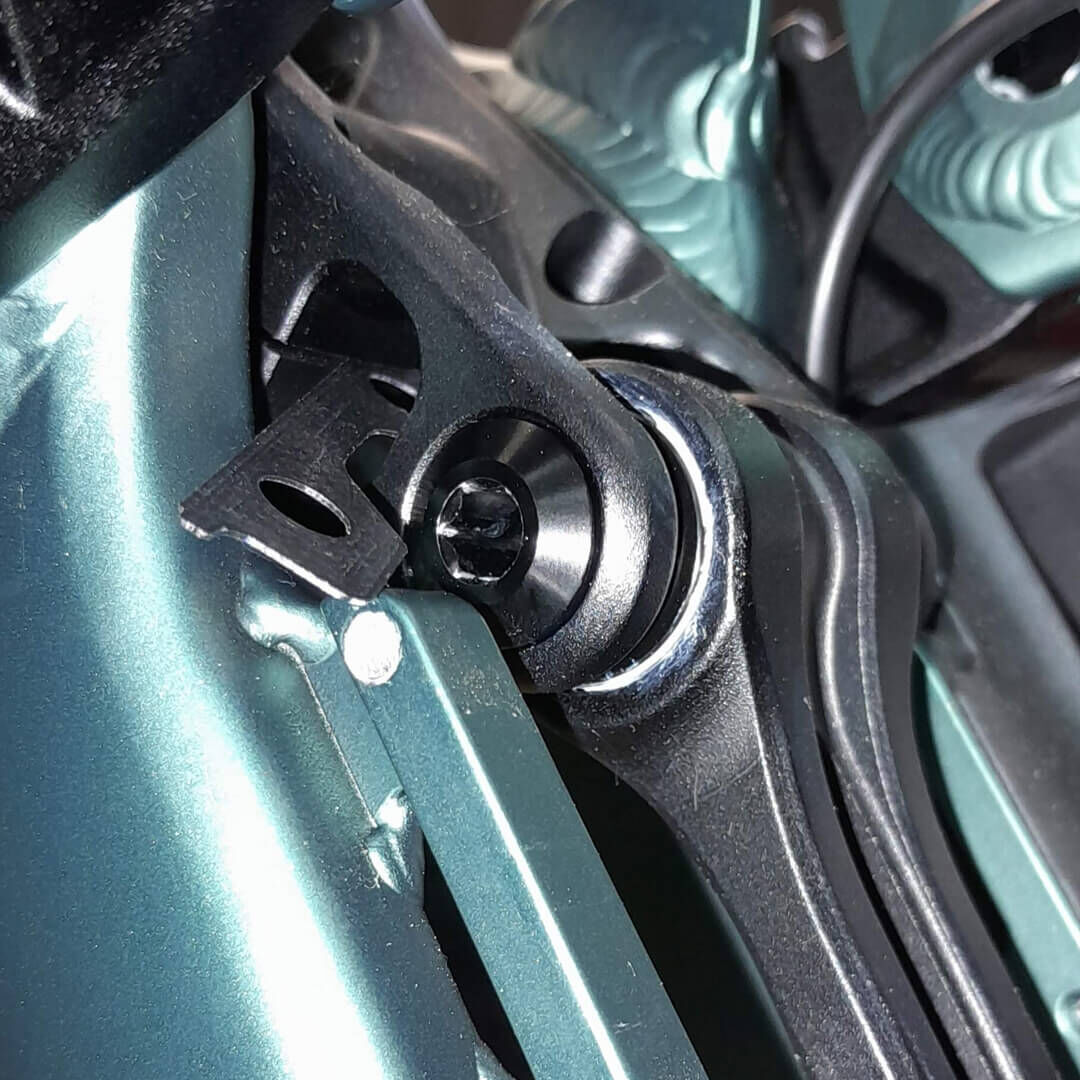
Slide the plate from the left side, to place it in the Upper Link.
9
9
Plate must slide from the left, through the Upper Link.
10
10
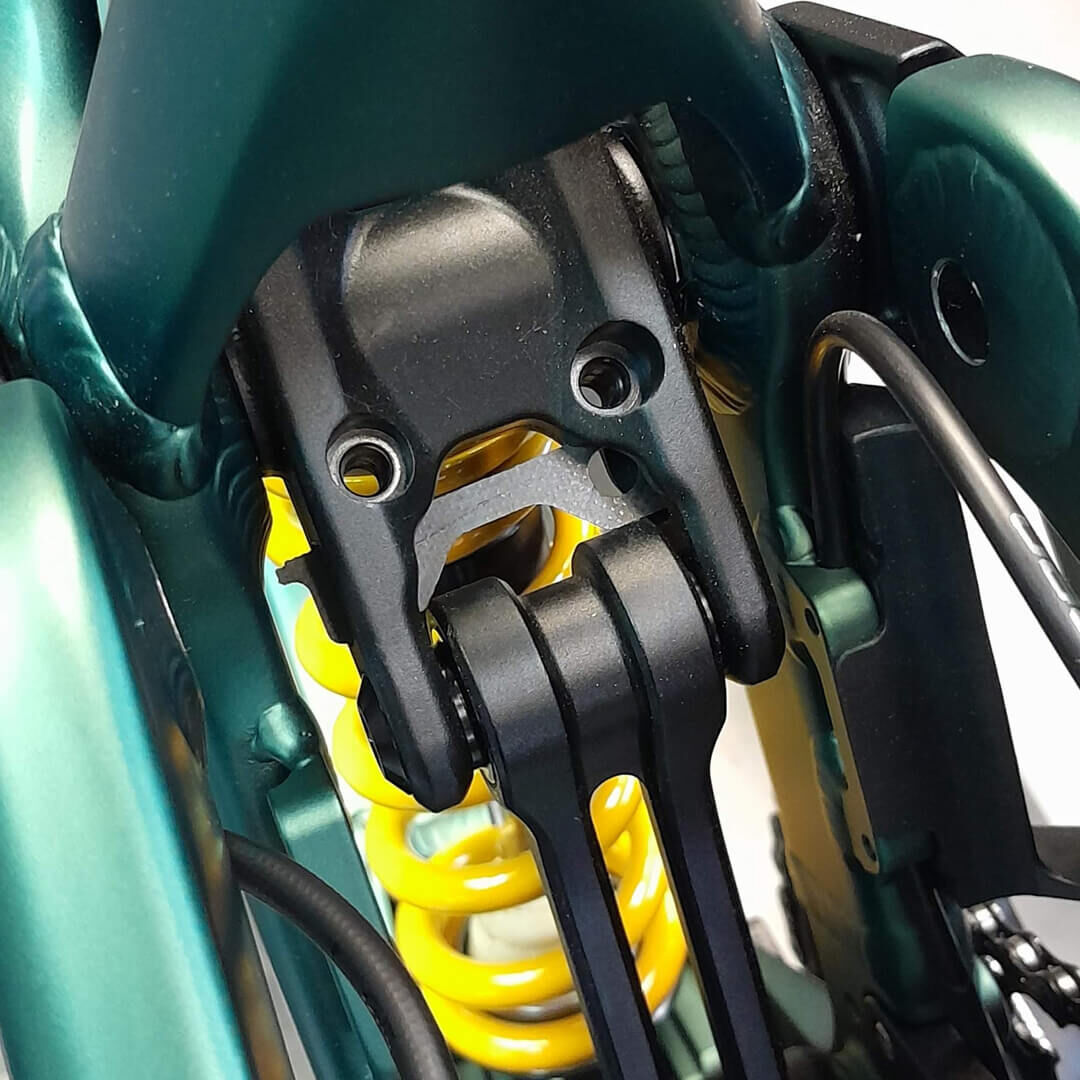
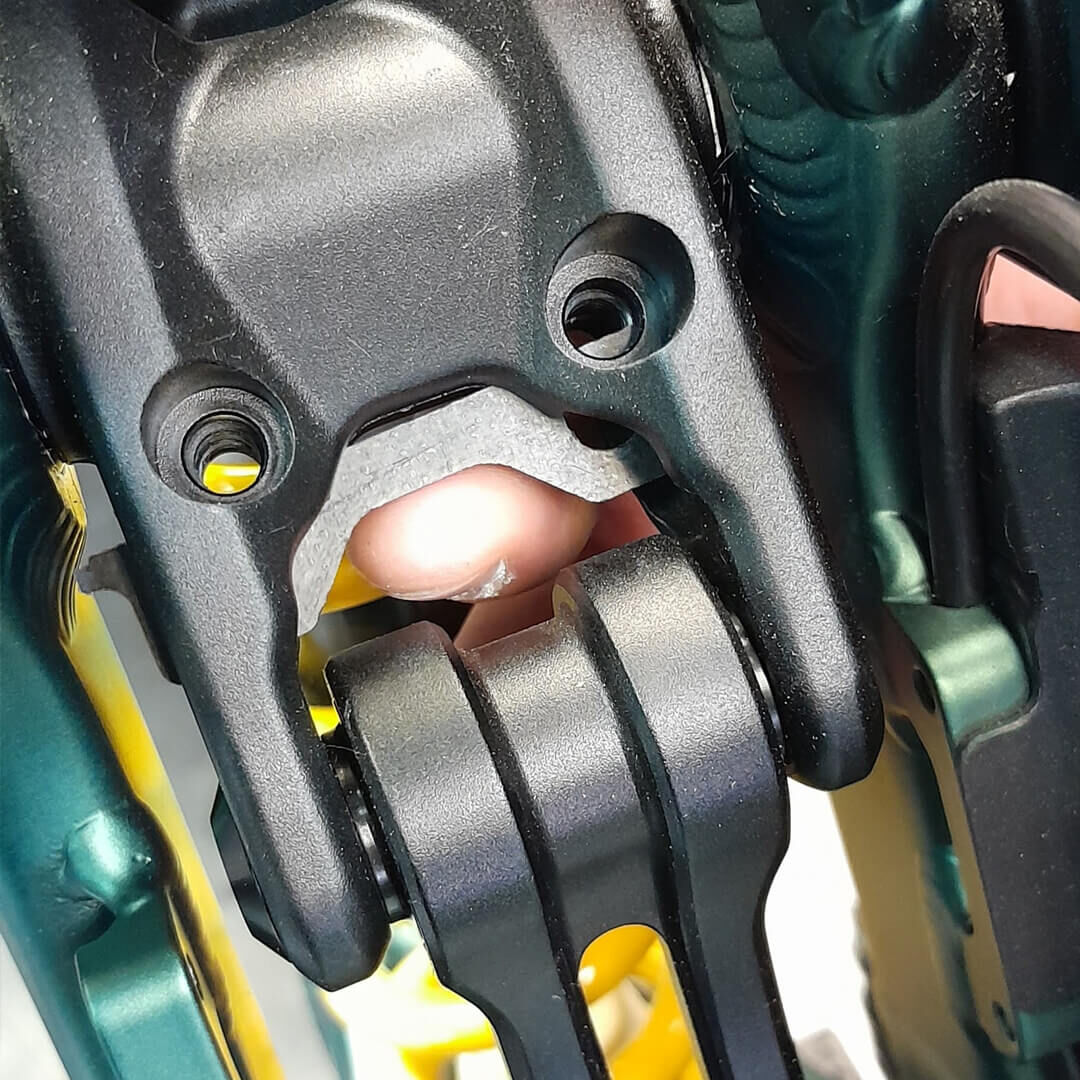
Slide the plate until it get centered with the Upper Link.
11
11
Push the plate forward, to align the holes with the Upper Link.
12
12
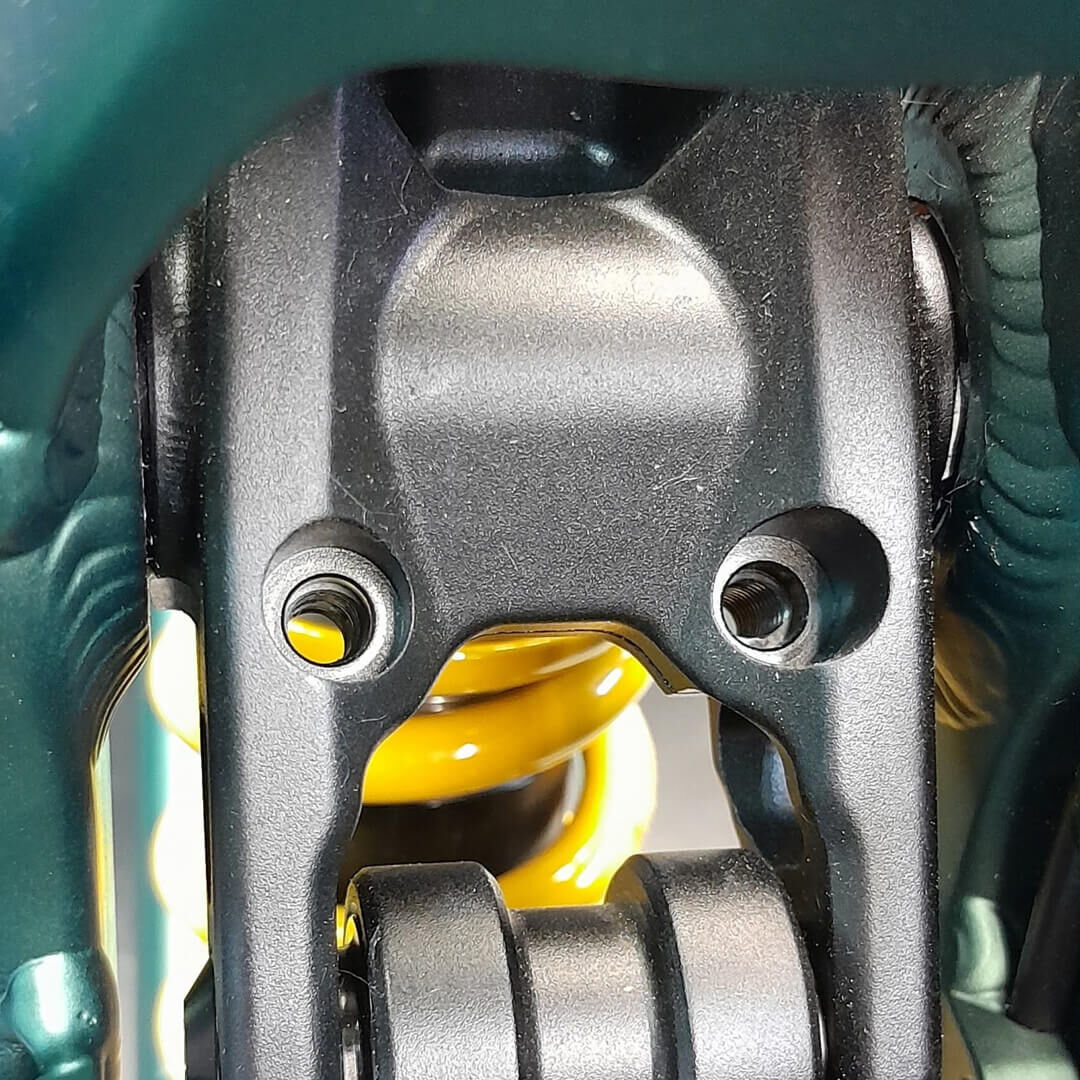
Now your plate is installed in the Upper Link, ready to install back the bolts.
13
13
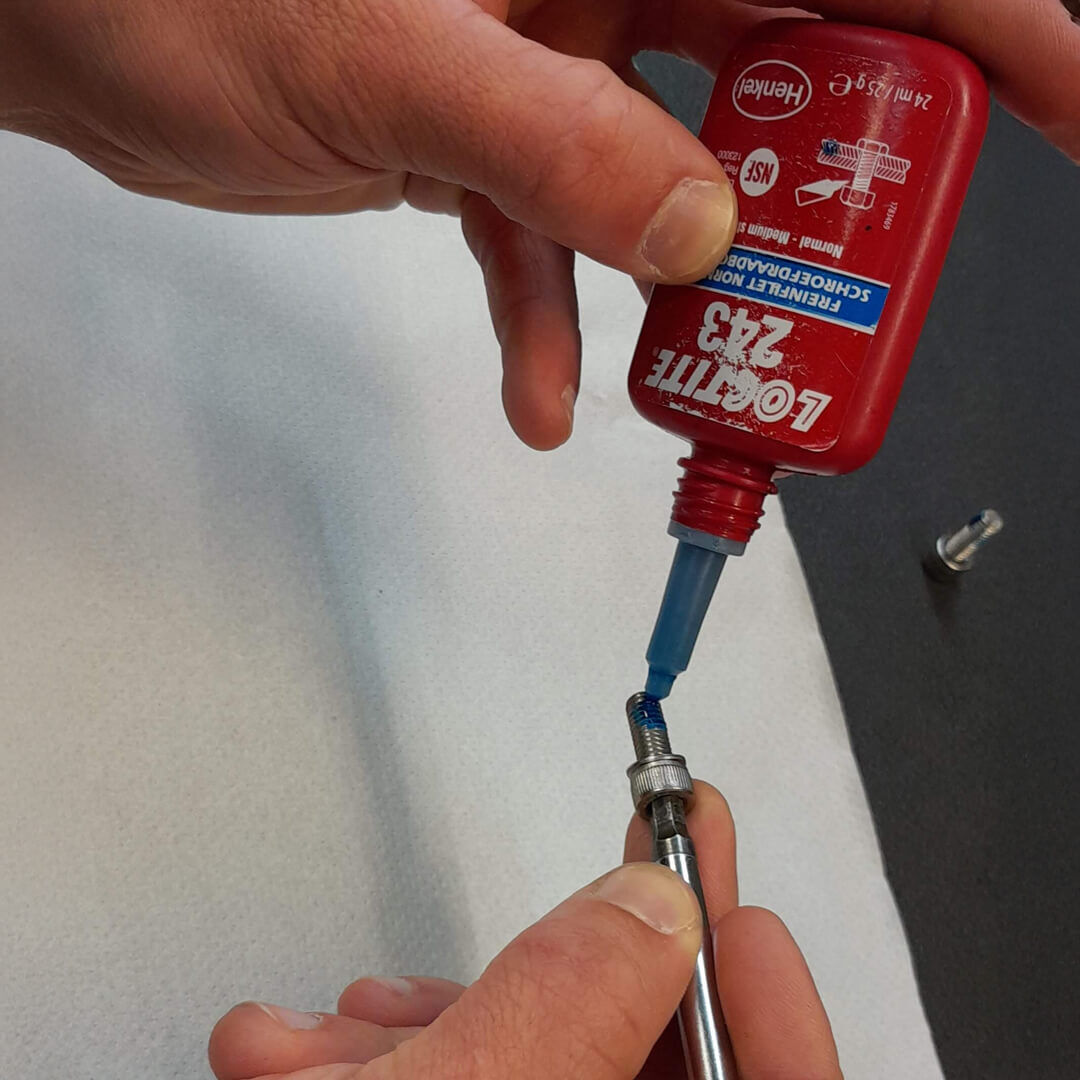
Put some threadlock on the Upper Link bolts.
14
14
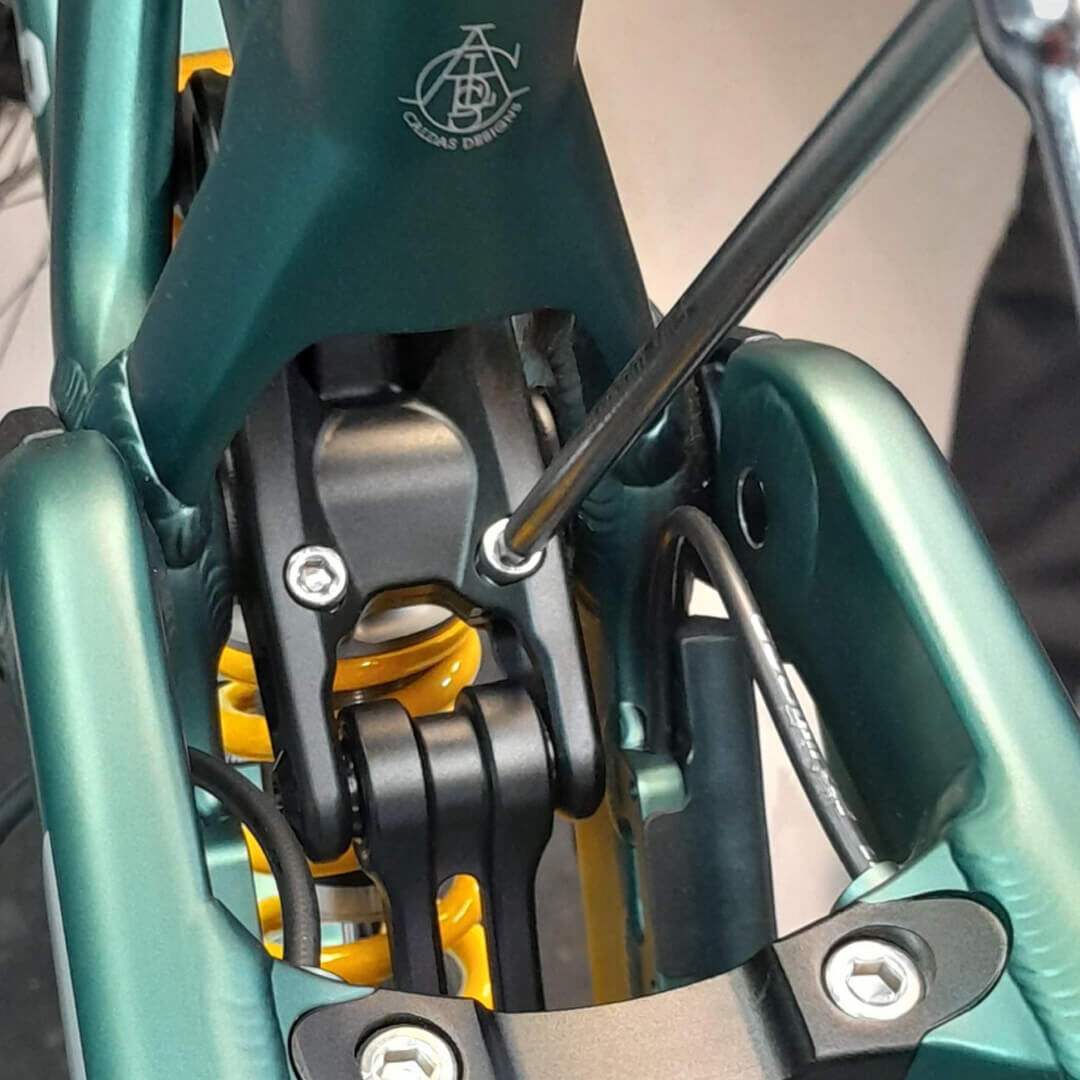
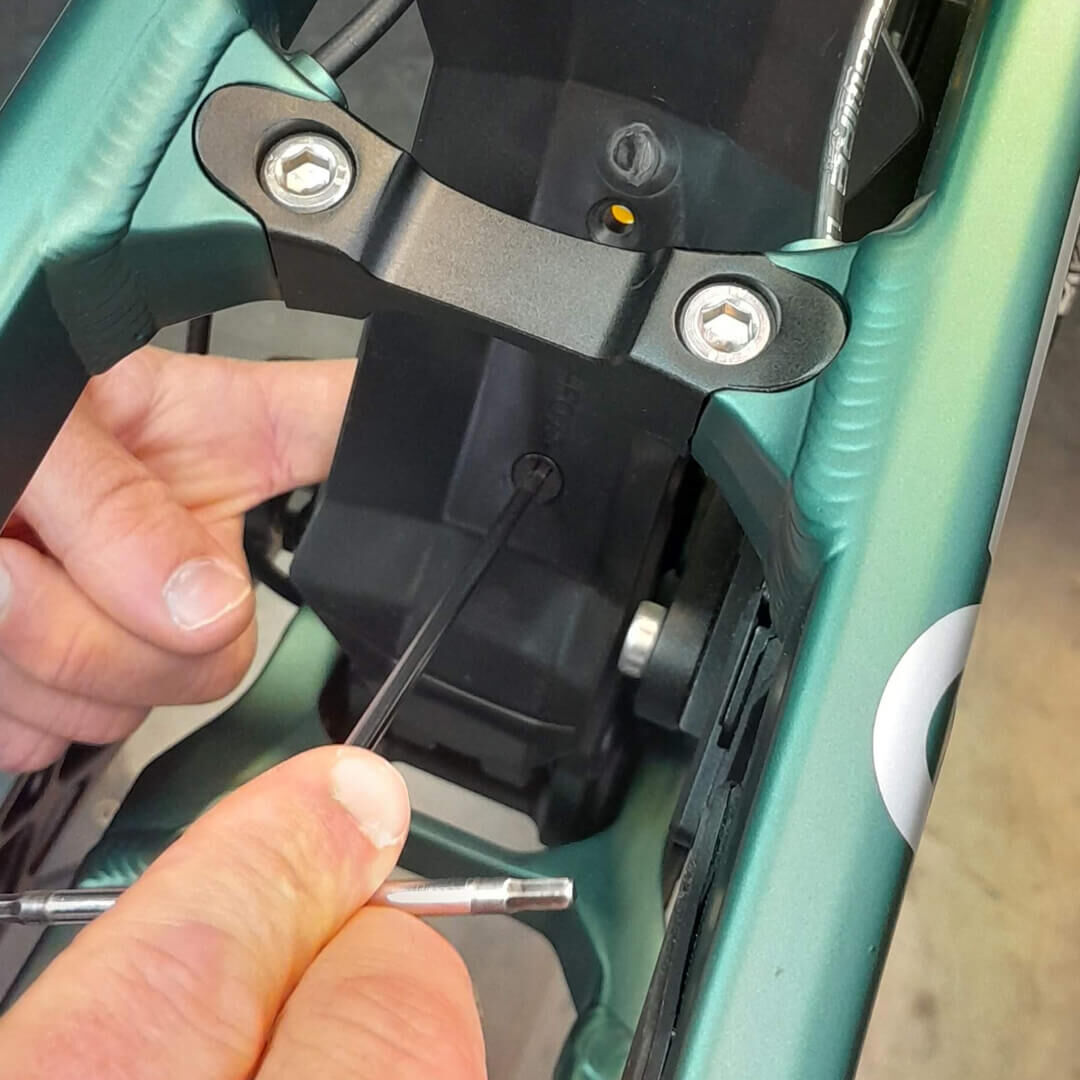
Install the 2 pinch bolts in the Upper Link.
15
15
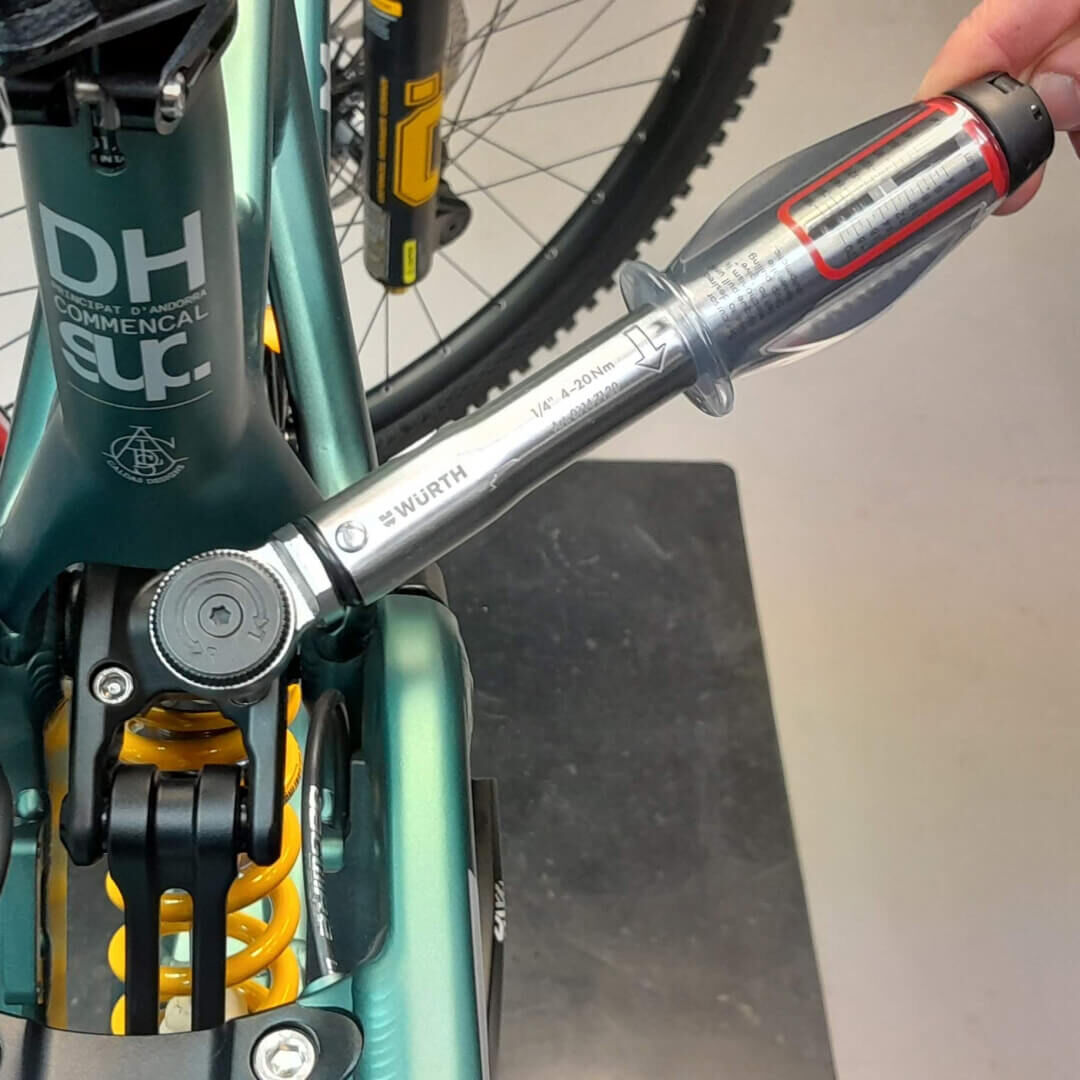
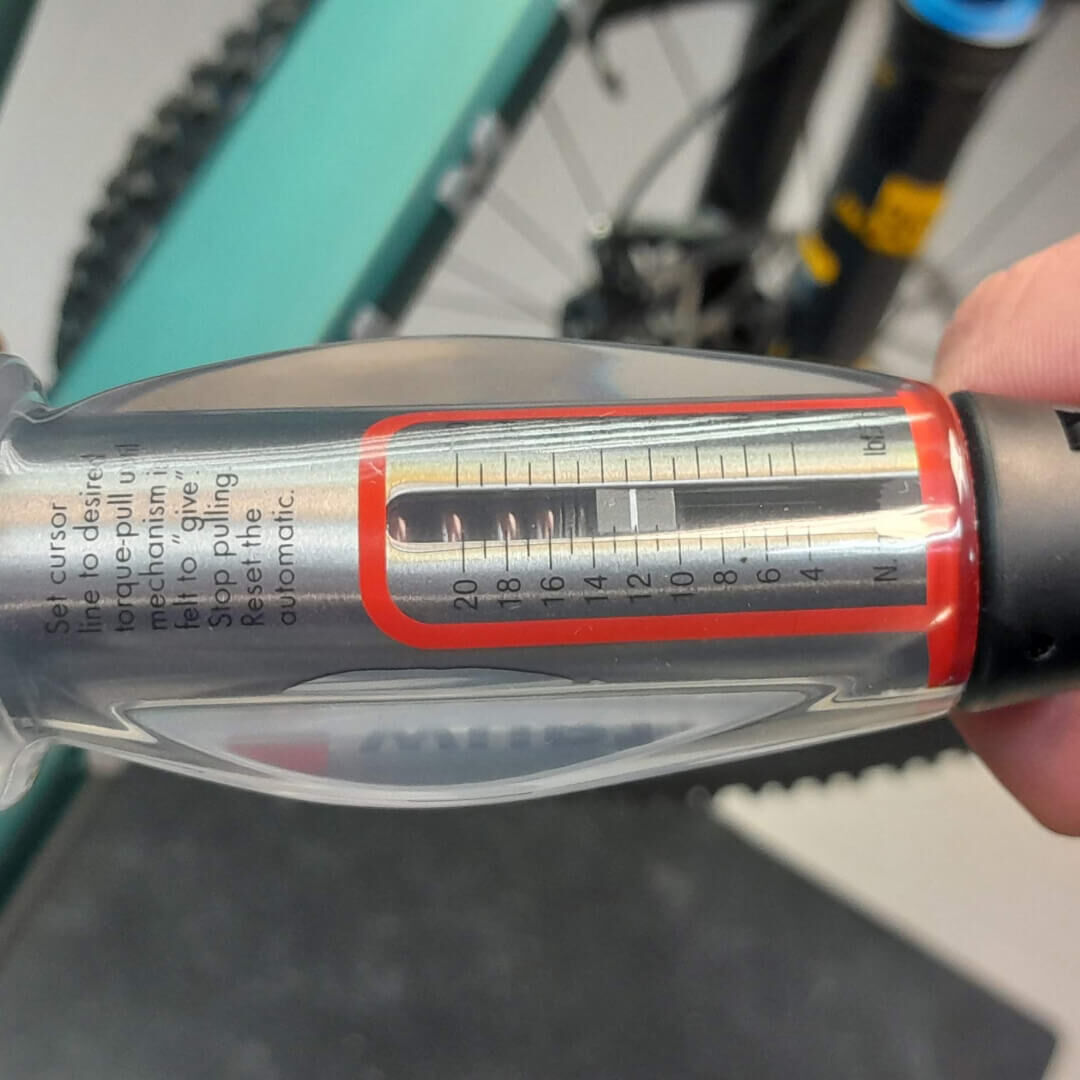
Use a dynamometer wrench, set at 12N.m
16
16
Torque the pinch bolts to 12N.m
17
17
Install back the fender with the inserts.
18
18
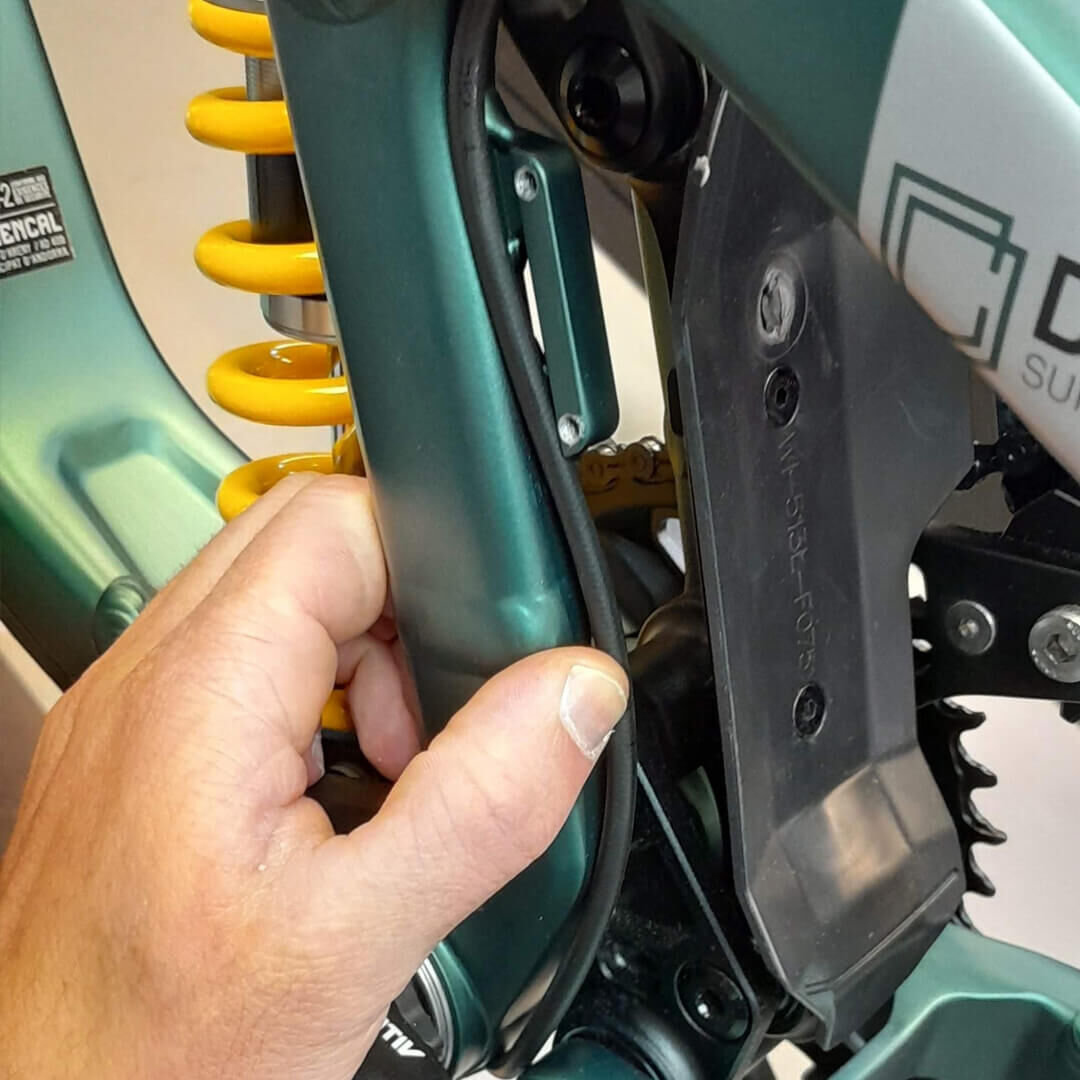
Place the brake hose on it's guide, along the number plate bracket.
19
19
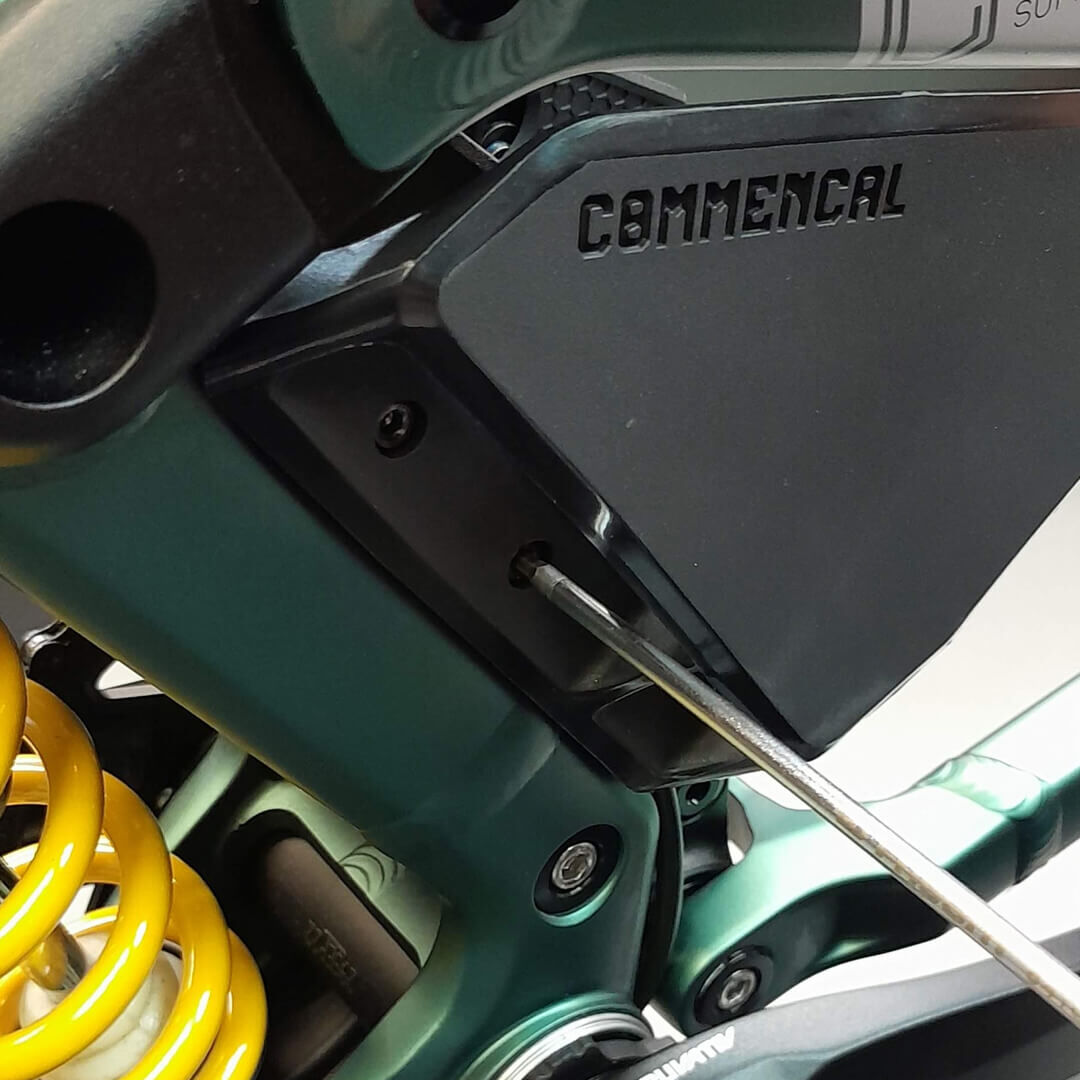
Install back the left number plate.
20
20
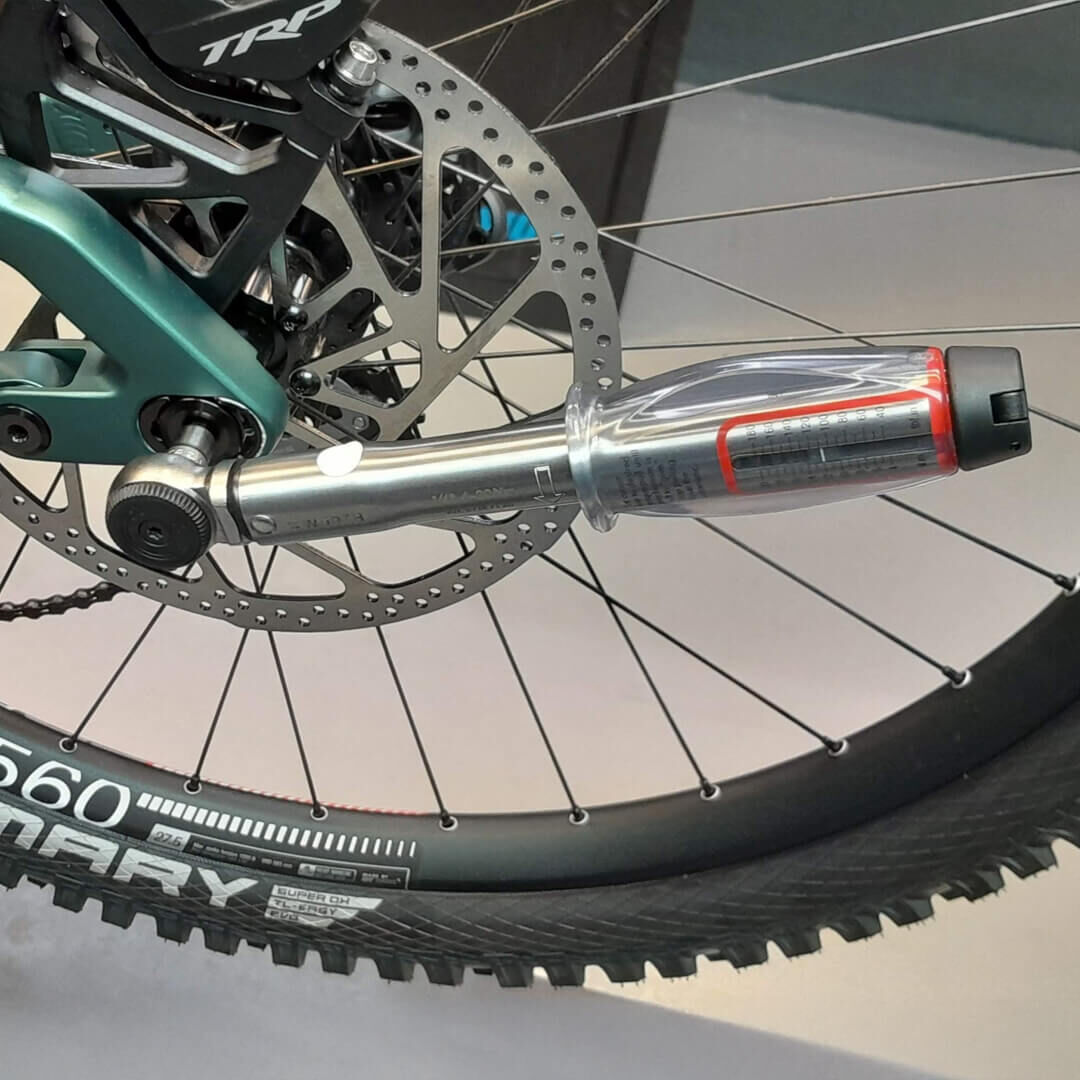
Install the back wheel, and torque to 12N.m
Make sure to follow assembly and torque instructions, from the different brand parts.
Your SUPREME DH V5 is now ready to get back on track !